




The perfect book organizational method is like a reward when you finally finish a book. It pushes you to want to read more and makes you feel productive and organized at the same time. It’s also useful when you need to track what books you’ve read and which ones you can’t wait for. Read on to see what organizational methods we recommend!
Reading Planner
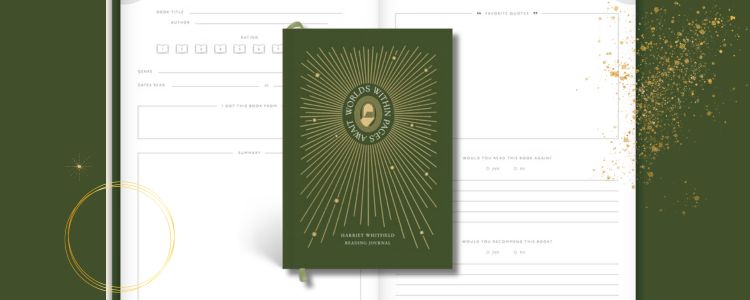
Reading planners are beginning to become more and more popular. My favorite is a digital journal I bought on Etsy because it’s easy to modify, but physical reading planners also make reading much more rewarding. All reading planners vary, but most have the space for you to review the books you’ve read. I love journals with a bookshelf you can color with the books you’ve read, too. Most bookstores carry reading planners, so check some out and see what things are necessary for you when organizing your reads.
Bullet Journal
You can also make your own reading planner with a regular journal. This way, you can customize exactly what it looks like and what you want in your planner. It also allows you more space to be creative with images and reviews. When I book a journal, I love to have a page for my five-star reads and a graph that shows me how close I made it to my reading goal by the end of the year. I also have quite a collection of washi tape, so it’s a lot of fun to make a spread of your own.
Goodreads
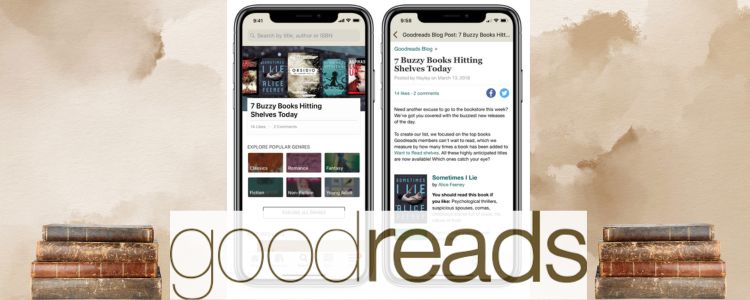
Goodreads is perhaps the most popular book organizational tool for good reason. This digital tool connects to your Amazon account and gives you three shelves to add books to: want to read, read, and currently reading. You can also edit your shelves and add new ones if you want to track things like the books you own or organize books by specific genres. Goodreads also has a year-long reading challenge, which tells you how close you are to your goal with each book you read, motivating you to read more. It also allows you to post reviews and ratings of the books you’ve read and follow other reviewers.
Reading List
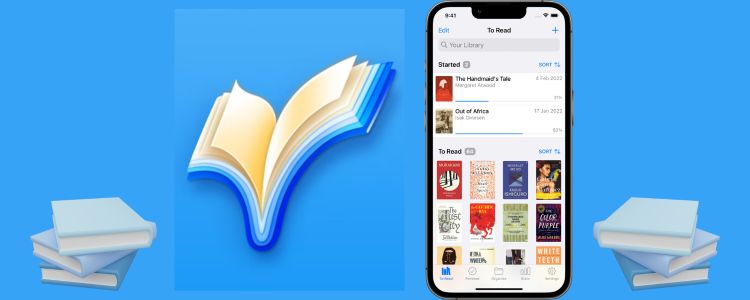
Perhaps the app I use the most, Reading List, works very similar to Goodreads, but I like its aesthetic way more. It does have the option to upgrade to Reading List Pro for a fee, but you can do so much without having to pay. Compared to Goodreads, Reading List is more of a visual app. The opening page shows you the books you’ve started, the date you started them, and the percentage of how far you are into the book. Below that, it shows you everything on your ‘To Read’ list. What’s great about this app is you can personally sort and organize your books however you want. For my ‘To Read’ list, I organize it with my NetGalley arcs at the top, books I own beneath it, and books I do not own at the end. This is the resource you want to get if you are looking for the best organization.
The Storygraph
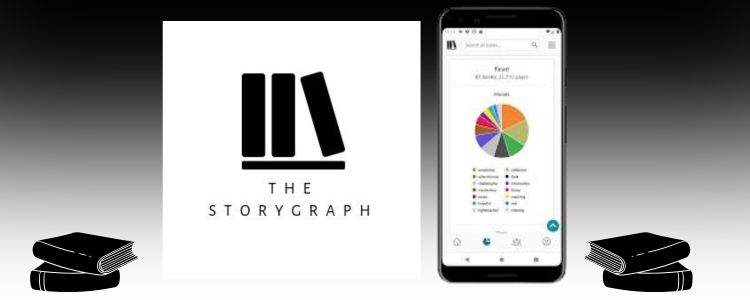
The great thing about this app is that you can connect your Goodreads account to it, so you don’t have to add all your data separately. If you love seeing visual representations of the books you’ve read, like graphs, this is the perfect resource. Storygraph shows you the types of books you read based on reader inputs of different moods, like adventurous or mysterious. The graphs make it very easy to see what kind of reader you are and what you’ve been gravitating more towards, year to year. It also tells you your most-read authors and your average star rating. This is an organizational tool that is so fun to play around with!
Now that we’re nearing the end of the year, it’s a perfect time to prepare for a more organized reading experience. Although organizing everything you’ve read can sometimes feel overwhelming, these tools make it so much more enjoyable. Happy reading!
Looking to get a physical reading journal? Click here!
Curious how the Bookstr team annotates their books? We’ve got just the thing for you!